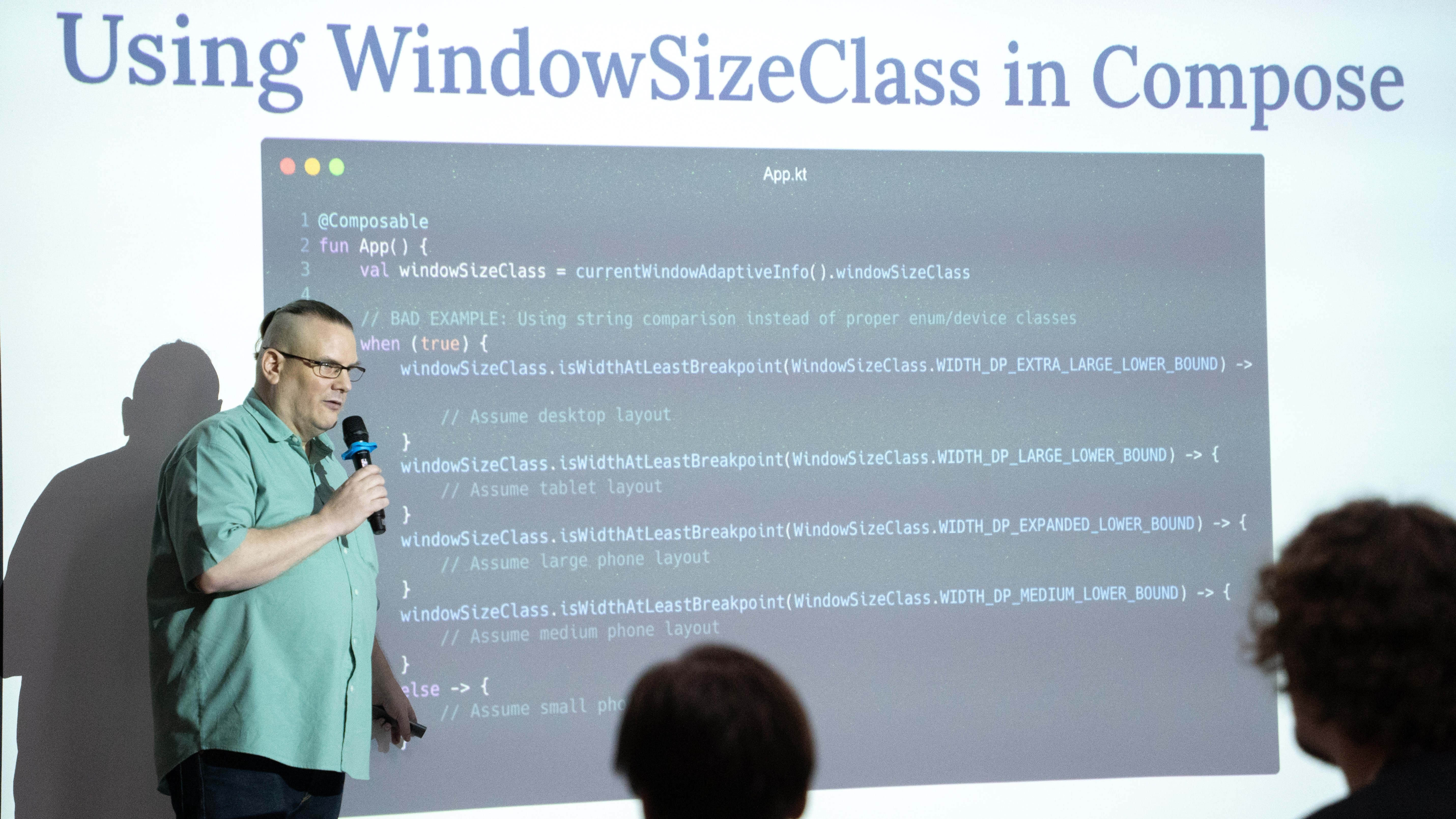
In modern Android development, teams increasingly rely on automated UI testing as their apps grow more complex. However, some UI components that are easy to build can be surprisingly difficult to test. Somkiat Khitwongwattana, Staff Software Engineer at LINE MAN Wongnai, recently shared his insights on one of the most common flaky test culprits: the snackbar.
Why standard snackbar tests flake
The standard way to implement a snackbar in Jetpack Compose involves using a scaffold, a SnackbarHost, and a SnackbarHostState. While this works perfectly for users, it often fails in automated CI/CD environments.
The problem is one of timing. Consider a coupon redemption flow:
- Action: A user clicks "Collect".
- First snackbar: The app shows "Applying coupon..."
- Race: If the server responds quickly, the app tries to show the second snackbar ( "Coupon redeemed!") before the first one disappears.
In a UI test, the verification for the second message often fails because the first message hasn't disappeared yet. Developers often resort to removing the verification just to make the test pass, but this compromises quality.
A test-friendly controller and container
To eliminate flakiness, use a two-part architecture that gives tests manual control over snackbar behavior: a controller to dismiss messages and a container to manage their duration.
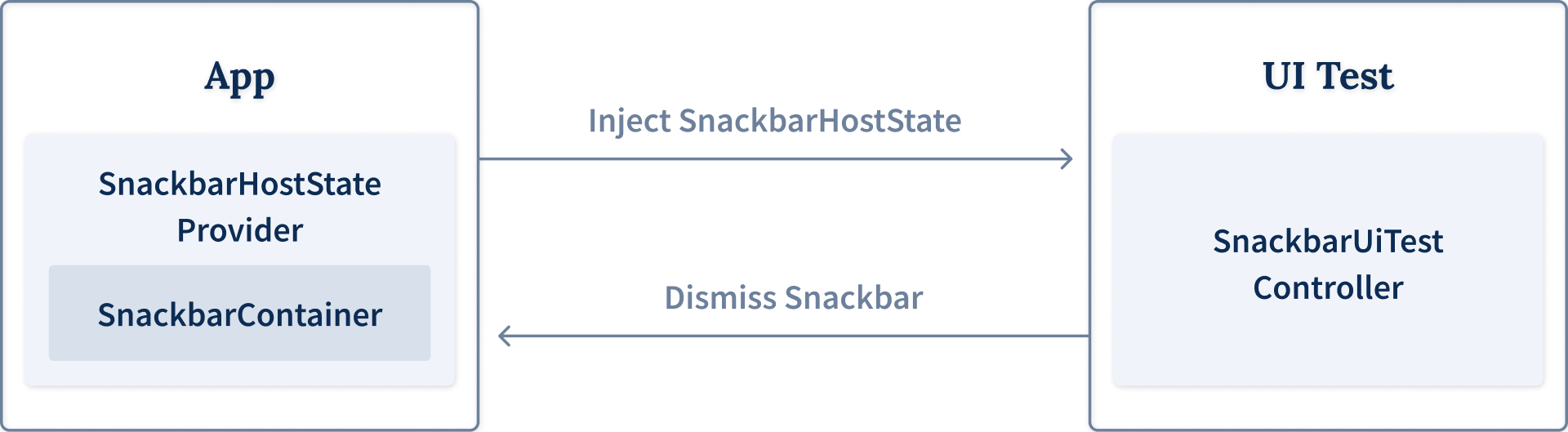
1. The SnackbarUiTestController
-
Purpose: A registry to store SnackbarHostState instances created during app runtime so they can be dismissed programmatically by the test.
-
Key Functions:
-
registerSnackbarHostState: Adds a state to the tracking set.
-
dismissCurrentSnackbar: Manually triggers dismiss() on any active snackbar.
-
clearAllSnackbarHostStates: Cleans up after tests to prevent memory leaks.
-
2. The SnackbarHostStateProvider
To keep production code clean, this provider uses Java Reflection to check if the test controller is available.
-
If the app is running in a test environment, it automatically registers the SnackbarHostState with the controller.
-
It uses CompositionLocalProvider to make the state easily accessible throughout the UI tree.
3. The SnackbarContainer
This component solves the duration problem. In production, snackbars use short or long durations. When isRunningUiTest() returns true, the container overrides the duration to Indefinite. This ensures the snackbar stays on screen exactly as long as the test needs to verify it, never disappearing prematurely.
Implementing the test-friendly flow
With this architecture in place, your UI tests become deterministic and easy to read. Instead of hoping the timing is right, your test code follows a clear verify-and-dismiss pattern:
Kotlin
@Test |
Cautions for production
While this method is powerful, there are two critical points to bear in mind:
1. Don't leak test code: Ensure the SnackbarUiTestController is strictly in your androidTest folder. If it accidentally ships in production, your snackbars might stay on screen indefinitely for real users.
2. Complexity: In complex apps, snackbars from other components might appear during tests, interfering with your assertions. Always use a @After tear-down method to clear all host states between tests.
Stability over simplicity
By enforcing an indefinite duration during tests and using a centralized controller to dismiss messages, you can transform flaky snackbar tests into a stable part of your testing suite. This approach moves beyond hoping the UI stays still and gives developers the tools to command it.
Somkiat Khitwongwattana
Staff Software Engineer - Android at LINE MAN Wongnai
Somkiat is a passionate Android developer with over 10 years of experience in enterprise software development and as a contributor to the Thailand Android community. He previously worked as a hardware developer building embedded systems that interfaced with Android devices.